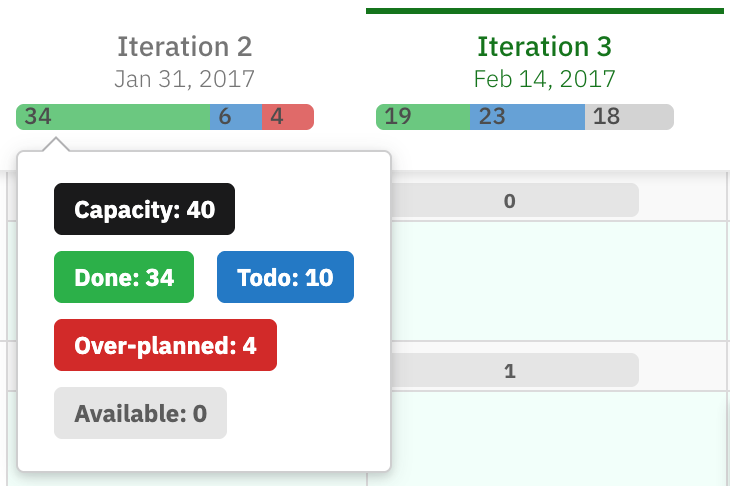
Capacity planning is an important part of managing work distribution effectively. Planningboard supports this with clear visual indicators of how much work can be handled within each iteration or plan. By enabling capacity features, you can make informed planning decisions, avoid overloading teams, and spot underutilization at a glance. This article helps you understand the logic behind calculating capacity.
toc
Configuration
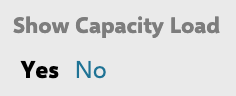
Firstly, you need to enable the capacity using Widget Properties:
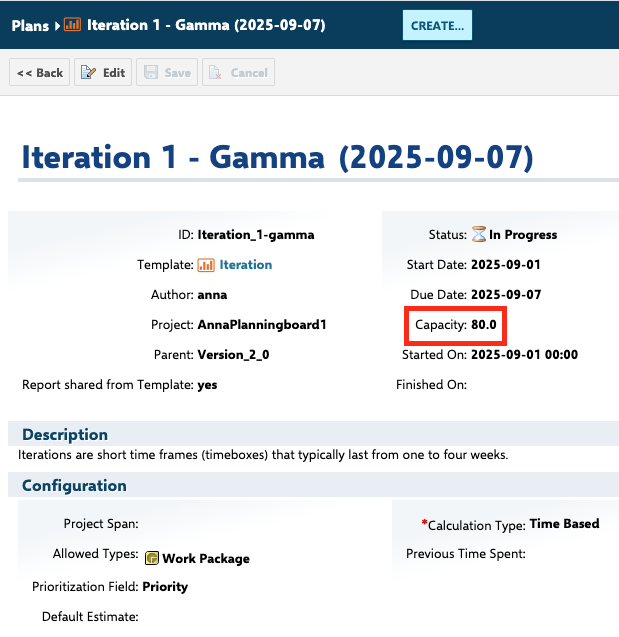
Next, specify the total capacity of a plan:
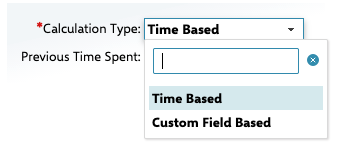
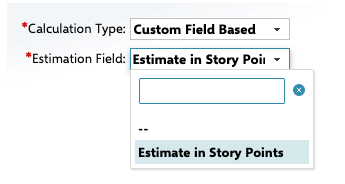
Then, choose from the two options how the capacity will be calculated - Time Based or Custom Field Based (e.g., Story points)
Time Based
Custom Field Based (Story Points)
Calculating the plan capacity from Story Points might come in handy when...
Was this article helpful?
That’s Great!
Thank you for your feedback
Sorry! We couldn't be helpful
Thank you for your feedback
Feedback sent
We appreciate your effort and will try to fix the article