The update procedure of any Nextedy App consists of 2 main parts:
- Check for the update of the plugin.
- Update of the plugin. Can be either manual or automated.
In this article, we describe the steps needed for the successful update of Nextedy products.
Update Check (modify once new menu is available)
- Check from the Administration:
There is an administration page that helps you check if there is a new version.
- Go to Polarion Administration
- Select : Nextedy GANTT > Setup
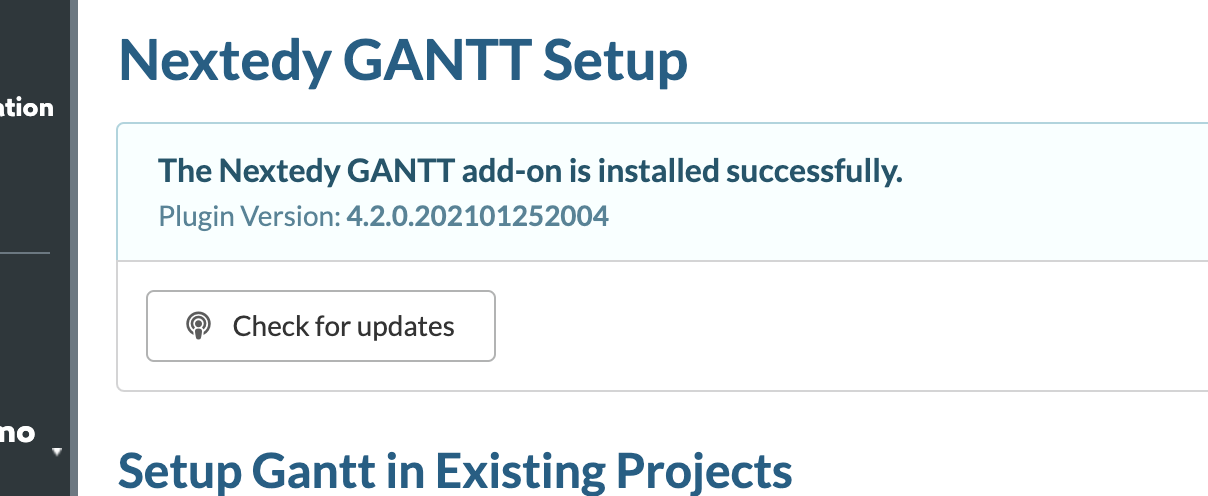
- Click button "Check for Updates"
- It tells you what is the latest version available:
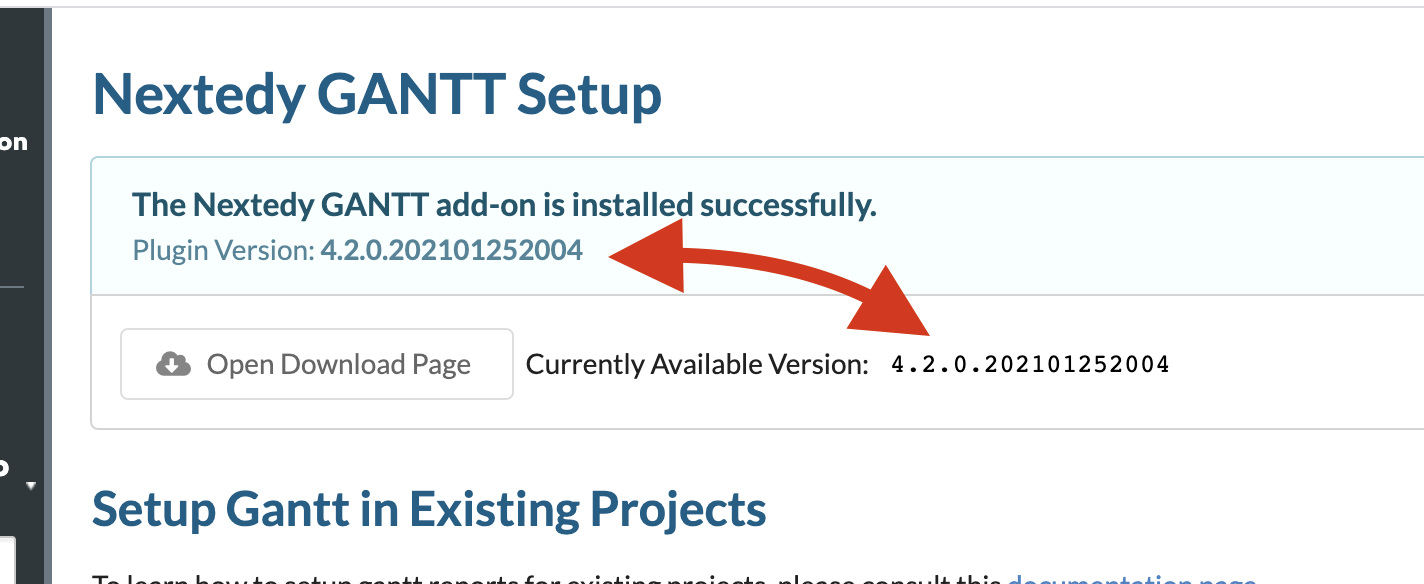
Due to privacy reasons, we do not run any scripts downloaded from our download server. This is a reason, why we cannot compare the dates automatically.
- Check the changelog:
Alternatively, you can open the product changelog file and check what the last available version is, as well as what new functionalities it contains.
You'd need to replace the 'productname' placeholder with the required product name in lowercase:
https://download.nextedy.com/productname/CHANGELOG.txt
Manual Update
- Download the new version from https://www.nextedy.com/product/nextedy-gantt/#download
- Stop Polarion server
- Uninstall Gantt - i.e. delete `POLARION_INSTALL_LOCATION/polarion/extension/com.nextedy.polarion.gantt
- Install new version: as described https://nextedy.freshdesk.com/support/solutions/articles/48000354777-what-is-the-installation-procedure
Please, do not forget step #4 from installation procedure:
Delete `[POLARION_INSTALL]/data/workspace/.config`
Automated Updater (on Linux)
We are sharing an easy way how to update the extension to the latest version with a single click.
Create update_gantt.sh script with following content:
Was this article helpful?
That’s Great!
Thank you for your feedback
Sorry! We couldn't be helpful
Thank you for your feedback
Feedback sent
We appreciate your effort and will try to fix the article