You may find it extremely useful to have an option that allows you to configure specific users or teams that would be shown as swimlanes instead of the full list of them.
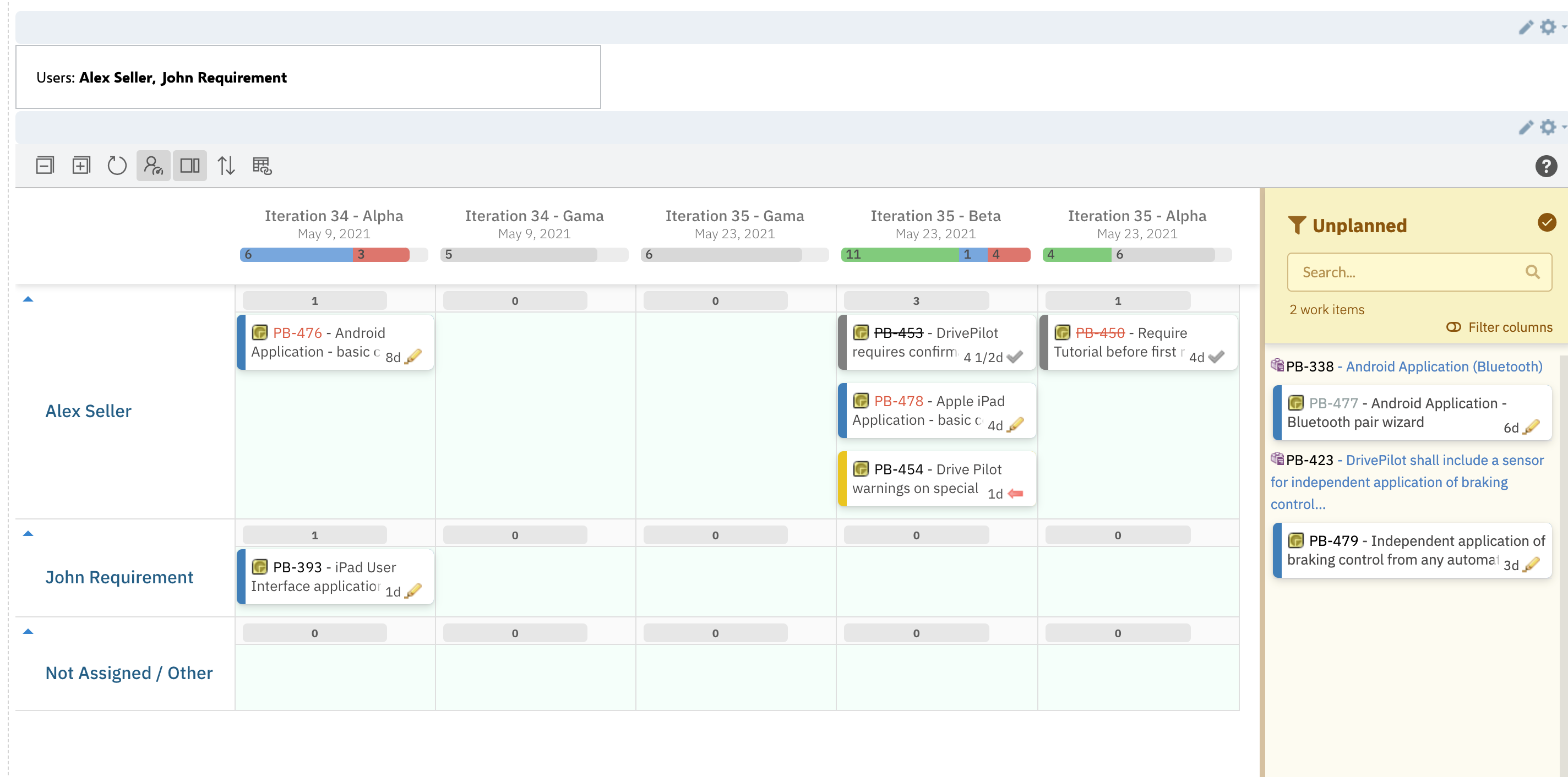
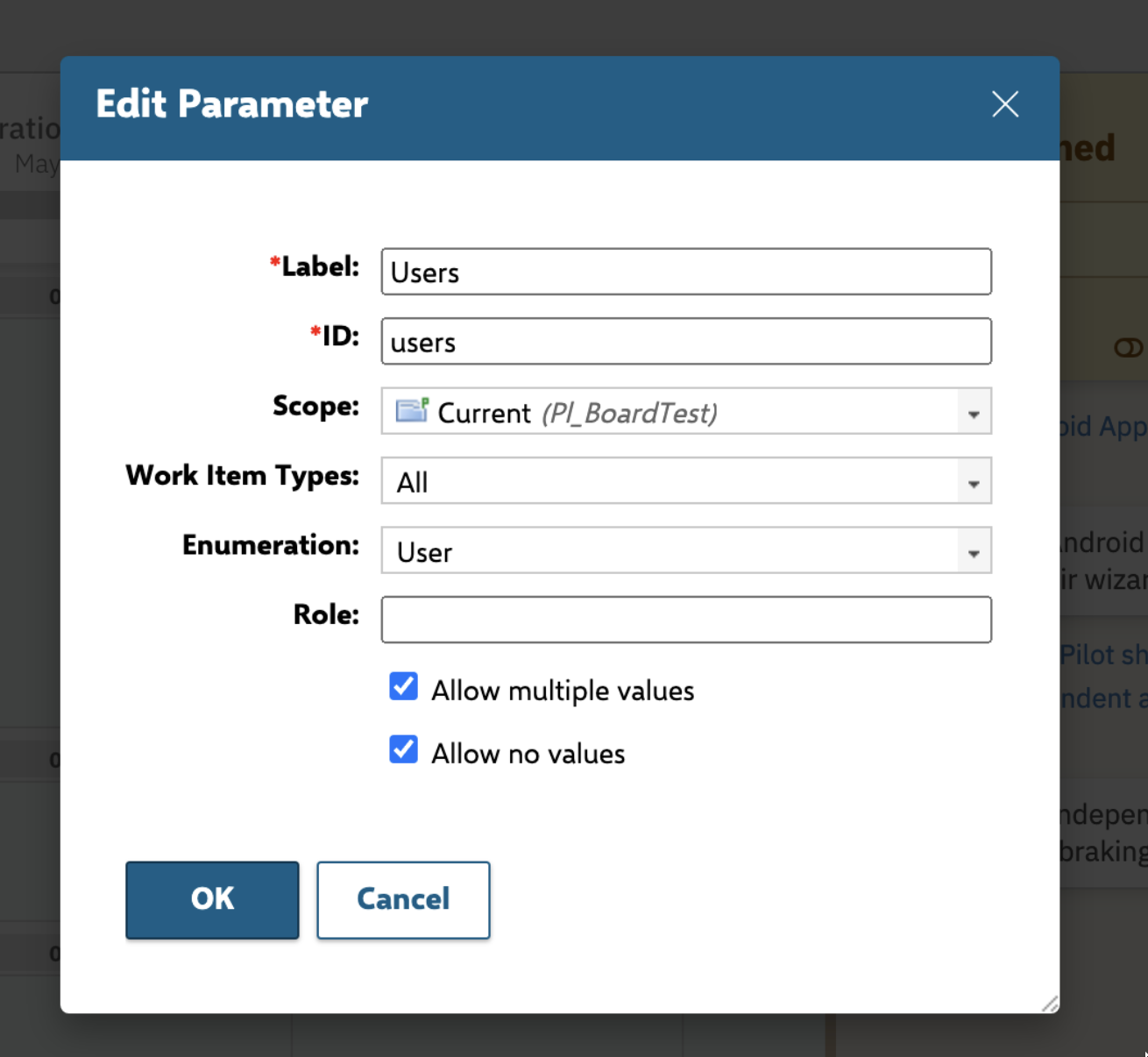
- Create a Page Parameter for selecting specific users;
- Add needed users from the list;
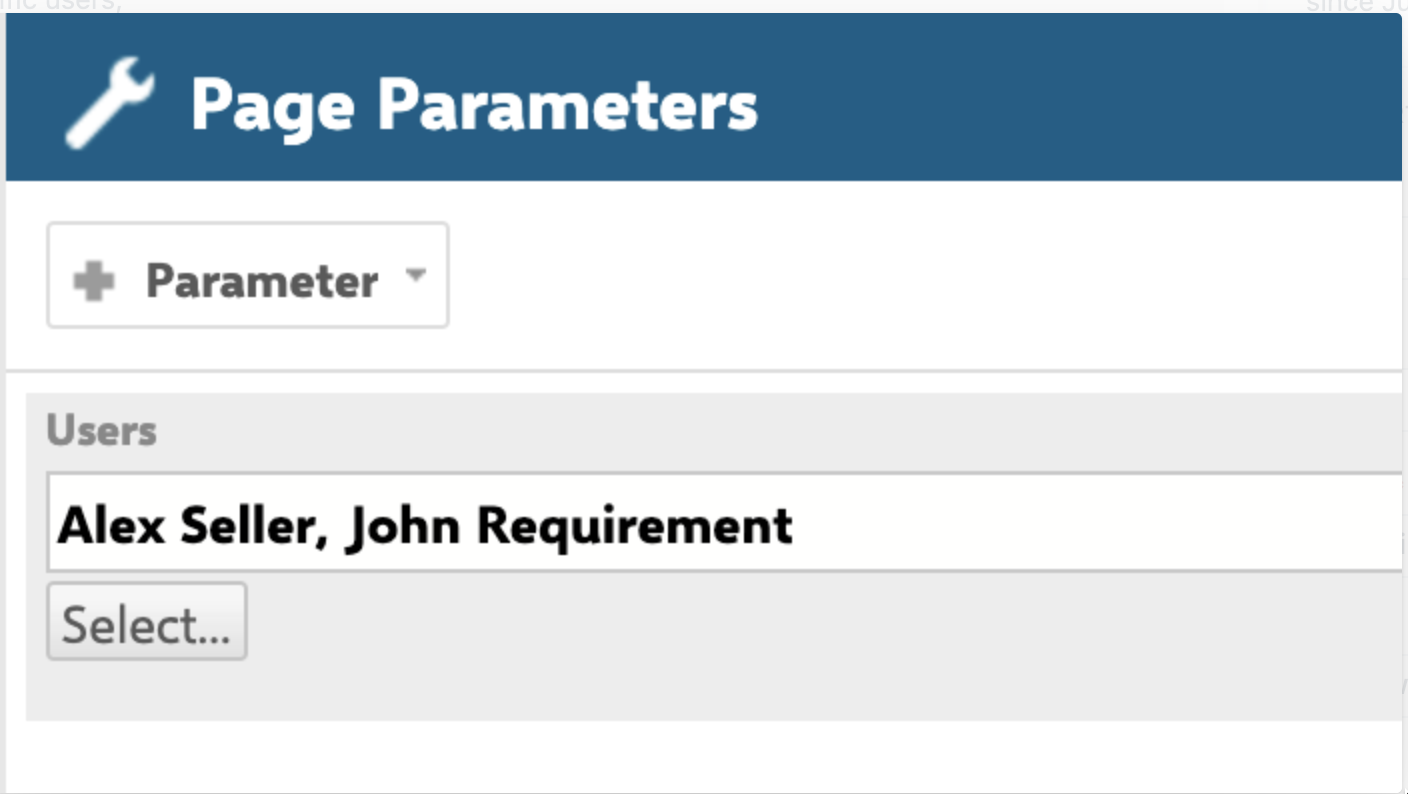
- create a Page Parameter block and add there the freshly created "Users" page parameter;

- put the Query into Gantt Parameters section that refers to this page parameter;
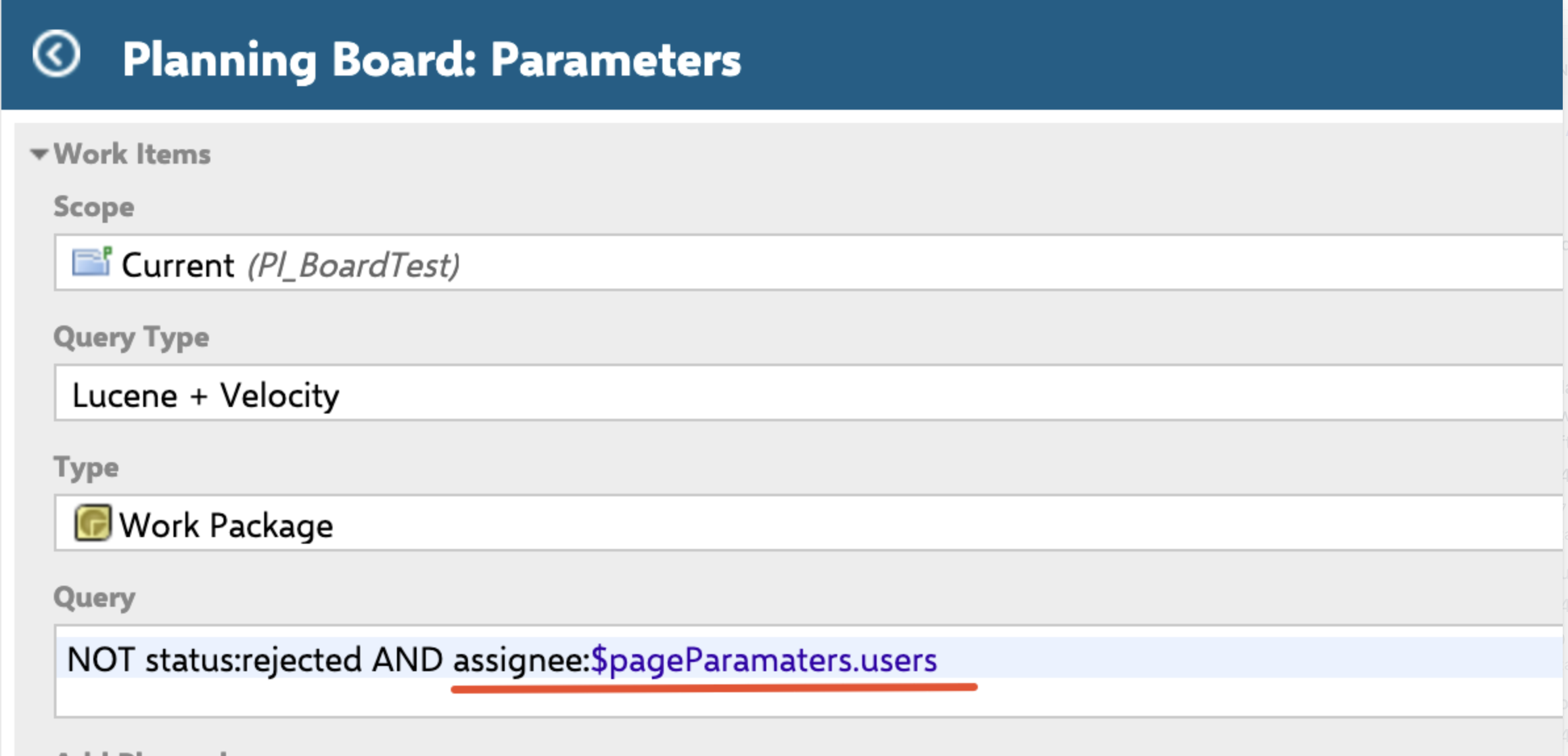
- In the Administration -> Configuration properties specify the Id of the Page parameter used to filter users on the Planning board:
nextedy.planningboard.assigneeFilterPageParamId=users
In case you show swimlanes defined by enumeration, the page parameter can be different:
nextedy.planningboard.enumFilterPageParamId=team
Was this article helpful?
That’s Great!
Thank you for your feedback
Sorry! We couldn't be helpful
Thank you for your feedback
Feedback sent
We appreciate your effort and will try to fix the article